
The best gaming processors for every budget.
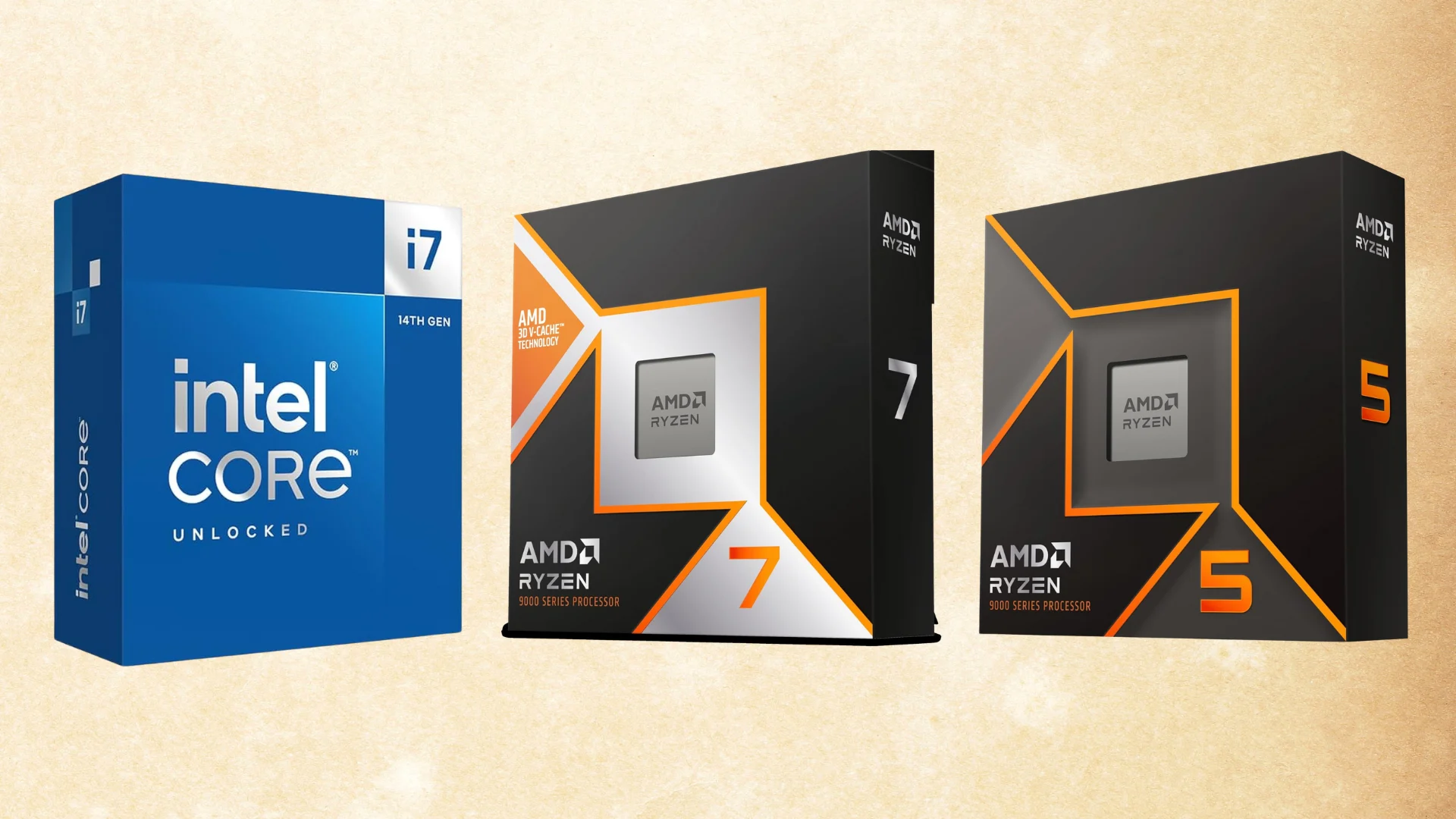
If you’re building a new gaming PC or upgrading an existing system, the processor you choose will help determine how well your computer handles high-refresh-rate gaming, CPU-intensive titles, background applications, and future graphics card upgrades.
AMD still holds most of the strongest positions in the gaming CPU market. Its X3D processors use additional cache to deliver particularly strong performance in competitive shooters, simulators, strategy games, MMOs, and other titles that place a heavy load on the processor.
However, Intel is more competitive than it was a year ago. The newer Core Ultra 200S Plus processors provide better gaming performance than the original Core Ultra desktop lineup while retaining excellent productivity performance.
For most high-end gaming builds, we recommend the AMD Ryzen 7 9800X3D. The newer Ryzen 7 9850X3D is technically faster, but the difference is small enough that the 9800X3D is usually the better overall purchase. For mid-range systems, the Ryzen 5 7600X3D provides outstanding gaming performance for its price.
Also Read: The Best CPU Coolers for Gaming
Watch: What to Look for in A CPU
Watch our Beginner’s Guide to Choosing A CPU below, or on our YouTube channel.
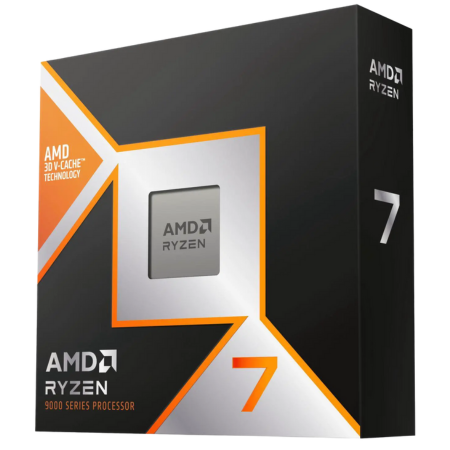
AMD Ryzen 7 9800X3D
The best overall CPU for gaming.
Tech Specs
- SOCKET: AM5
- ARCH.: Zen 5
- CORES: 8
- THREADS: 16
- BASE: 4.7GHz
- BOOST: 5.2GHz
- TDP: 120W
Pros & Cons
- Outstanding performance in CPU-heavy games
- More affordable than the 9850X3D and Ryzen 9 alternatives
- Eight cores are enough for gaming and streaming
- AM5 provides a strong potential upgrade path
- Does not include a CPU cooler
AMD Ryzen 7 9800X3D Overview
The AMD Ryzen 7 9800X3D remains our top overall gaming CPU recommendation for 2026.
It comes with eight Zen 5 cores, 16 threads, a 4.7GHz base clock, and a maximum boost clock of 5.2GHz. Its defining feature is AMD’s second-generation 3D V-Cache implementation, which gives the processor 96MB of L3 cache.
That additional cache can significantly improve performance in processor-heavy games. Competitive shooters, strategy games, racing simulators, MMOs, and poorly optimized open-world titles are some of the scenarios in which an X3D processor can provide higher average framerates and better 1% lows.
The newer Ryzen 7 9850X3D is technically faster, but its advantage is generally small. Unless the two processors are priced very close together, the 9800X3D provides nearly the same gaming experience while leaving more room in your budget for your graphics card, memory, storage, or monitor.
The 9800X3D is also easier to justify than one of AMD’s 16-core Ryzen 9 processors. Most games will not benefit significantly from the additional cores offered by the Ryzen 9 9950X3D, whereas applications such as rendering, video production, software development, and professional content creation may.
For a gaming-focused build with a high-end graphics card, the Ryzen 7 9800X3D offers the best combination of performance, platform longevity, power requirements, and overall cost.
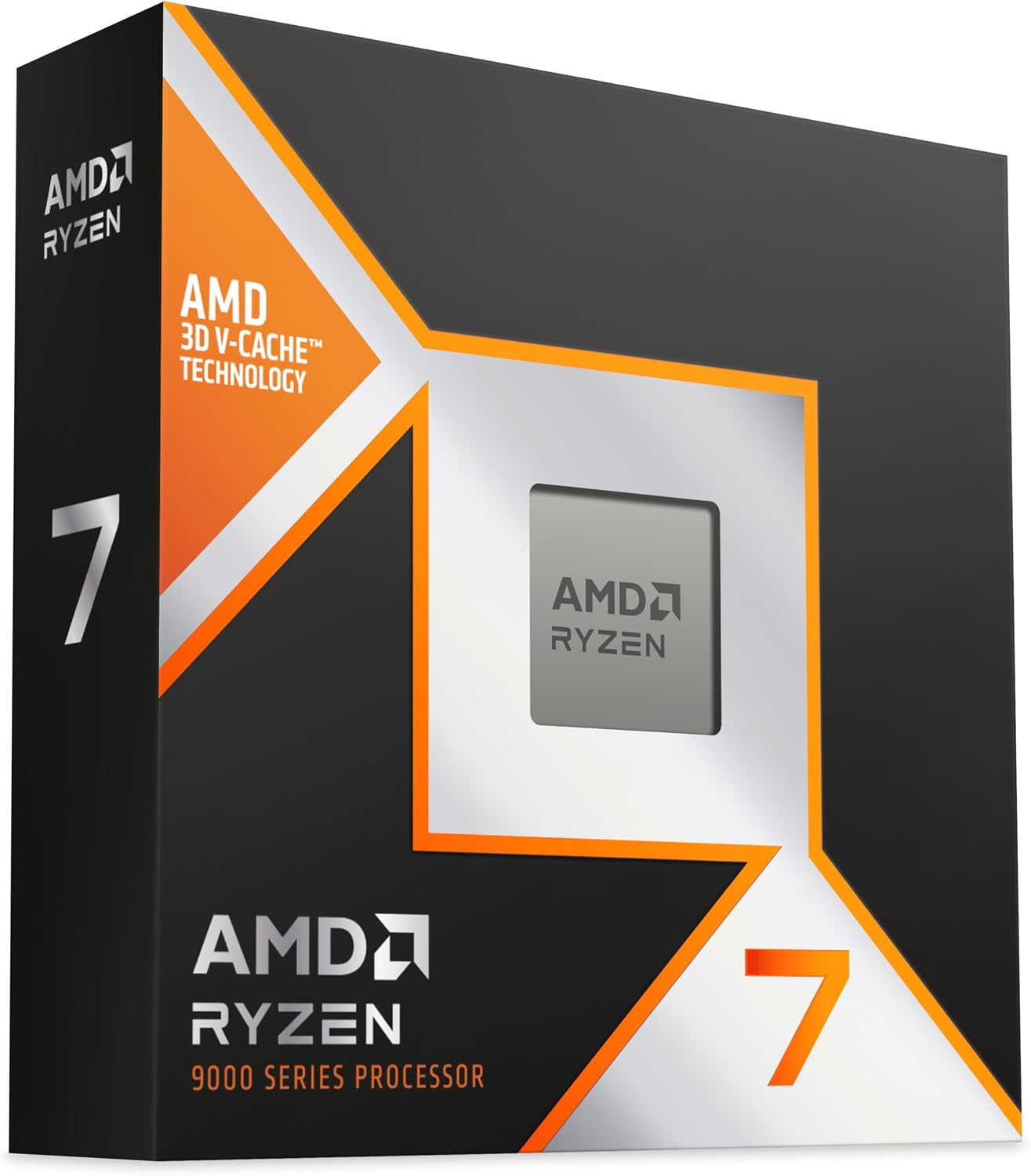
AMD Ryzen 7 9850X3D
The fastest eight-core gaming processor.
Tech Specs
- SOCKET: AM5
- ARCH.: Zen 5
- CORES: 8
- THREADS: 16
- BASE: 4.7GHz
- BOOST: 5.6GHz
- TDP: 120W
Pros & Cons
- Faster than the already-excellent 9800X3D
- Excellent average framerates and 1% lows
- High 5.6GHz maximum boost clock
- Compatible with existing AM5 motherboards
- Only slightly faster than the cheaper 9800X3D
AMD Ryzen 7 9850X3D Overview
The Ryzen 7 9850X3D is essentially a faster version of the Ryzen 7 9800X3D.
Both processors have eight Zen 5 cores, 16 threads, 96MB of L3 cache, a 120-watt TDP, and support for AMD’s AM5 platform. The main difference is that the 9850X3D can boost as high as 5.6GHz, compared to 5.2GHz on the 9800X3D.
That higher frequency gives the 9850X3D a small lead in gaming benchmarks. It is an excellent option for a no-compromise gaming system, particularly when paired with an RTX 5080, RTX 5090, or another high-end graphics card and a high-refresh-rate monitor.
However, this is not the kind of generational improvement that makes the 9800X3D obsolete. The performance difference between the two processors is generally only a few percentage points, and the gap will become even smaller when gaming at 1440P or 4K resolution with settings that place most of the workload on the graphics card.
As a result, the decision between these two CPUs should primarily come down to price. When the 9850X3D is only slightly more expensive, it makes sense to buy the faster processor. When the price gap is substantial, the 9800X3D is the better value.
Ultimately, the 9850X3D is for gamers who want one of the fastest gaming processors available and do not mind paying extra for a relatively small performance improvement.
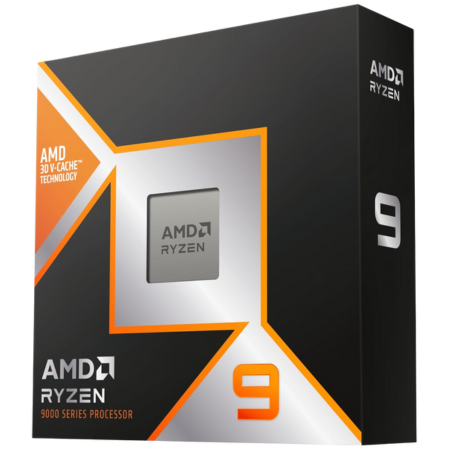
AMD Ryzen 9 9950X3D
The best CPU for gaming and productivity.
Tech Specs
- SOCKET: AM5
- ARCH.: Zen 5
- CORES: 16
- THREADS: 32
- BASE: 4.3GHz
- BOOST: 5.7GHz
- TDP: 170W
Pros & Cons
- Excellent gaming and multithreaded performance
- 16 cores and 32 threads
- Strong option for editing, rendering, and streaming
- Uses AMD’s upgrade-friendly AM5 platform
- Unnecessary for a gaming-only computer
AMD Ryzen 9 9950X3D Overview
The Ryzen 9 9950X3D is the better option for anyone who needs workstation-grade productivity performance without giving up high-end gaming performance.
It comes with 16 Zen 5 cores, 32 threads, a maximum boost clock of 5.7GHz, and 128MB of L3 cache. One of its two eight-core chiplets includes AMD’s 3D V-Cache, allowing games to run on the cache-equipped cores while heavily threaded applications take advantage of the complete 16-core processor.
For gaming alone, the 9950X3D does not provide enough of an advantage over the Ryzen 7 9800X3D or 9850X3D to justify its higher price. Most games will not effectively use all 16 cores, and the Ryzen 7 X3D processors can deliver similar gaming performance while consuming less power and costing less.
The additional cores become much more useful when the computer is also used for video editing, CPU rendering, code compilation, game development, virtual machines, or other demanding professional workloads.
AMD has also released the more expensive Ryzen 9 9950X3D2 Dual Edition, which places 3D V-Cache on both chiplets. That processor provides additional performance in some workloads, but its extremely high price makes the standard 9950X3D a more sensible recommendation for most high-end gaming and productivity systems.
Choose the 9950X3D when your computer needs to serve as both an elite gaming PC and a powerful workstation. For a machine used almost exclusively for gaming, save the money and choose one of the Ryzen 7 X3D processors instead.
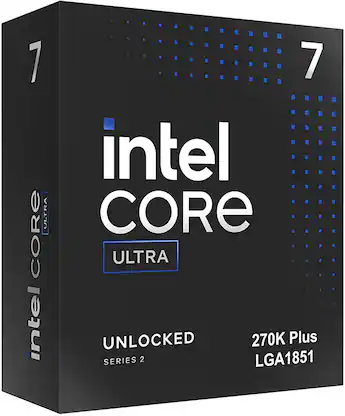
Intel Core Ultra 7 270K Plus
The best Intel CPU for gaming.
Tech Specs
- SOCKET: LGA 1851
- ARCH.: Arrow Lake Refresh
- CORES: 24
- THREADS: 24
- BASE: 3.7GHz
- BOOST: 5.5GHz
- PBP: 125W
Pros & Cons
- Intel’s strongest current gaming option
- Excellent multithreaded productivity performance
- 24 total performance and efficiency cores
- Supports fast DDR5 memory
- LGA 1851 has a limited future upgrade path
Intel Core Ultra 7 270K Plus Overview
Intel’s Core Ultra 7 270K Plus is the best current Intel alternative to AMD’s gaming processors.
The original Core Ultra desktop CPUs were efficient and offered strong productivity performance, but their gaming results made them difficult to recommend over AMD’s X3D processors or Intel’s older 14th-generation chips.
The 270K Plus is a much more compelling product. It includes eight performance cores and 16 efficiency cores, giving it 24 cores in total. Intel also increased the speed of the connection between portions of the processor, reducing latency and improving gaming performance over the original Core Ultra 7 265K.
It still does not consistently outperform AMD’s fastest X3D processors in games. However, it provides strong enough gaming performance that the difference will often be difficult to notice at 1440P or 4K, where the graphics card becomes the primary limitation.
The 270K Plus also offers excellent performance in video editing, rendering, compression, code compilation, and other workloads that can take advantage of its 24-core design. Intel Quick Sync can provide another advantage for certain video-production workflows.
Its biggest drawback is the LGA 1851 platform. AMD’s AM5 socket has a more promising upgrade path, whereas buyers of an LGA 1851 motherboard should not assume that they will be able to install several future generations of Intel processors.
Still, for users who prefer Intel, rely on Intel-specific productivity features, or want a balanced gaming and content-creation processor, the Core Ultra 7 270K Plus is the Intel CPU we would choose.
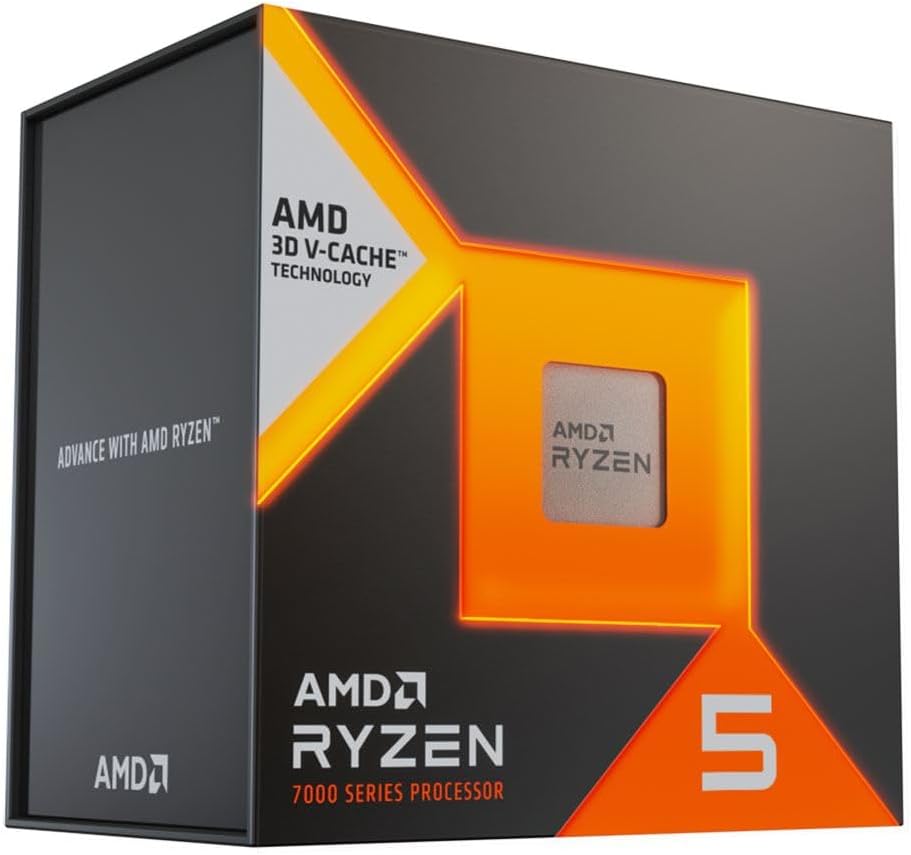
AMD Ryzen 5 7600X3D
The best-value gaming CPU.
Tech Specs
- SOCKET: AM5
- ARCH.: Zen 4
- CORES: 6
- THREADS: 12
- BASE: 4.1GHz
- BOOST: 4.7GHz
- TDP: 65W
Pros & Cons
- High-end gaming performance at a mid-range price
- 96MB of L3 cache
- Low power consumption and cooling requirements
- Compatible with the AM5 platform
- Only six cores limits heavy productivity performance
AMD Ryzen 5 7600X3D Overview
The Ryzen 5 7600X3D is currently one of the best values available to gaming-oriented system builders.
It has six Zen 4 cores, 12 threads, a maximum boost clock of 4.7GHz, and a 65-watt TDP. Those specifications may appear modest compared to the processors listed above, but its 96MB of L3 cache allows it to outperform many more expensive CPUs in games.
The 7600X3D is particularly attractive for someone building a mid-range or upper-mid-range gaming PC. Choosing it instead of a Ryzen 7 or Ryzen 9 processor may free up enough room in your budget to upgrade to a faster graphics card, which will usually produce a larger improvement at 1440P or 4K.
Its low power requirements are another advantage. The processor does not require an expensive motherboard or an oversized liquid cooler, making it easier to fit into a cost-conscious build.
There are limitations. Six cores and 12 threads are enough for gaming, everyday multitasking, and occasional streaming, but the processor falls well behind higher-core-count options in rendering, encoding, and heavily threaded professional workloads.
Its multiplier is also locked, so traditional multiplier overclocking is unavailable. Precision Boost Overdrive and memory tuning can still be used, but buyers should not expect extensive manual CPU overclocking.
For a gaming-first computer where maximizing performance per dollar is the priority, the Ryzen 5 7600X3D is arguably the strongest option on this list.
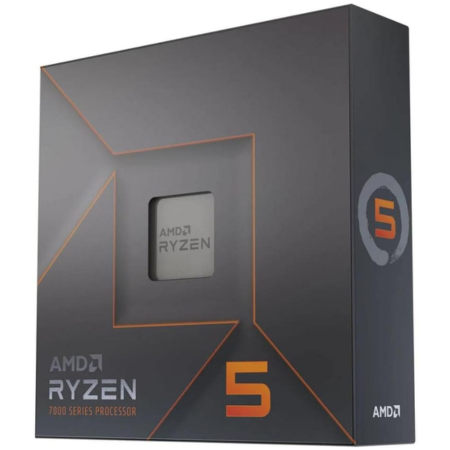
AMD Ryzen 5 7600X
The best budget AM5 gaming CPU.
Tech Specs
- SOCKET: AM5
- ARCH.: Zen 4
- CORES: 6
- THREADS: 12
- BASE: 4.7GHz
- BOOST: 5.3GHz
- TDP: 105W
Pros & Cons
- Strong gaming performance for its price
- High 5.3GHz maximum boost clock
- Affordable entry point into the AM5 platform
- Unlocked for overclocking
- 7600X3D is noticeably faster in CPU-heavy games
AMD Ryzen 5 7600X Overview
For builders who cannot fit the Ryzen 5 7600X3D into their budget, the Ryzen 5 7600X remains an excellent entry point into AMD’s AM5 platform.
It comes with six Zen 4 cores, 12 threads, a 4.7GHz base clock, and a maximum boost clock of 5.3GHz. It does not include AMD’s 3D V-Cache, but its higher clock speeds give it solid gaming and general-purpose performance.
The 7600X works especially well in budget and mid-range systems where the graphics card will be the primary performance limitation. When playing at 1440P or 4K with demanding graphics settings, the difference between the 7600X and a more expensive processor may be relatively small.
Choosing the 7600X can also allow you to put more money toward your graphics card. Moving from a lower-tier GPU to a higher-tier model will usually make a greater difference than spending an additional $150-$300 on the processor.
Unlike an older AM4 CPU, the 7600X supports DDR5 memory and places you on AMD’s newer AM5 socket. That gives you the option of upgrading to a faster Ryzen 7, Ryzen 9, or X3D processor later without replacing your motherboard and memory.
The non-X Ryzen 5 7600 is another option worth checking. It has a lower 65-watt TDP and includes a stock CPU cooler. When the two processors are priced similarly, the 7600X is faster. When the Ryzen 5 7600 is noticeably cheaper, its included cooler can make it the better overall value.
AMD Ryzen 5 5600
The best low-cost DDR4 gaming CPU.

Tech Specs
- SOCKET: AM4
- ARCH.: Zen 3
- CORES: 6
- THREADS: 12
- BASE: 3.5GHz
- BOOST: 4.4GHz
- TDP: 65W
Pros & Cons
- Very affordable CPU and platform cost
- Includes a Wraith Stealth CPU cooler
- Still capable of solid 1080P gaming
- Compatible with inexpensive DDR4 memory
- AM4 offers little remaining upgrade potential
AMD Ryzen 5 5600 Overview
AMD’s Ryzen 5 5600 is an older processor, but it remains a practical option for extremely budget-conscious gaming PC builds.
The CPU has six Zen 3 cores, 12 threads, a 3.5GHz base clock, and a maximum boost clock of 4.4GHz. Its 65-watt TDP makes it easy to cool, and the retail version includes AMD’s Wraith Stealth CPU cooler.
The largest advantage of choosing the Ryzen 5 5600 is the overall platform cost. AM4 motherboards and DDR4 memory are widely available, and a complete CPU, motherboard, and memory combination can cost significantly less than a comparable AM5 setup.
That savings can be valuable in a low-cost gaming computer. A Ryzen 5 5600 paired with a stronger graphics card will often deliver a better gaming experience than a more expensive CPU paired with a weaker GPU.
However, AM4 is at the end of its useful upgrade path. Options such as the Ryzen 7 5700X3D have become difficult to find at reasonable prices, and moving to a modern processor later will require replacing the motherboard and memory.
The Ryzen 5 5600 also does not include integrated graphics, so it must be paired with a dedicated graphics card.
For a new mid-range or high-end build, we would spend more for an AM5 processor. For an inexpensive gaming computer or an upgrade to an existing AM4 system, the Ryzen 5 5600 is still one of the most useful low-cost CPUs available.
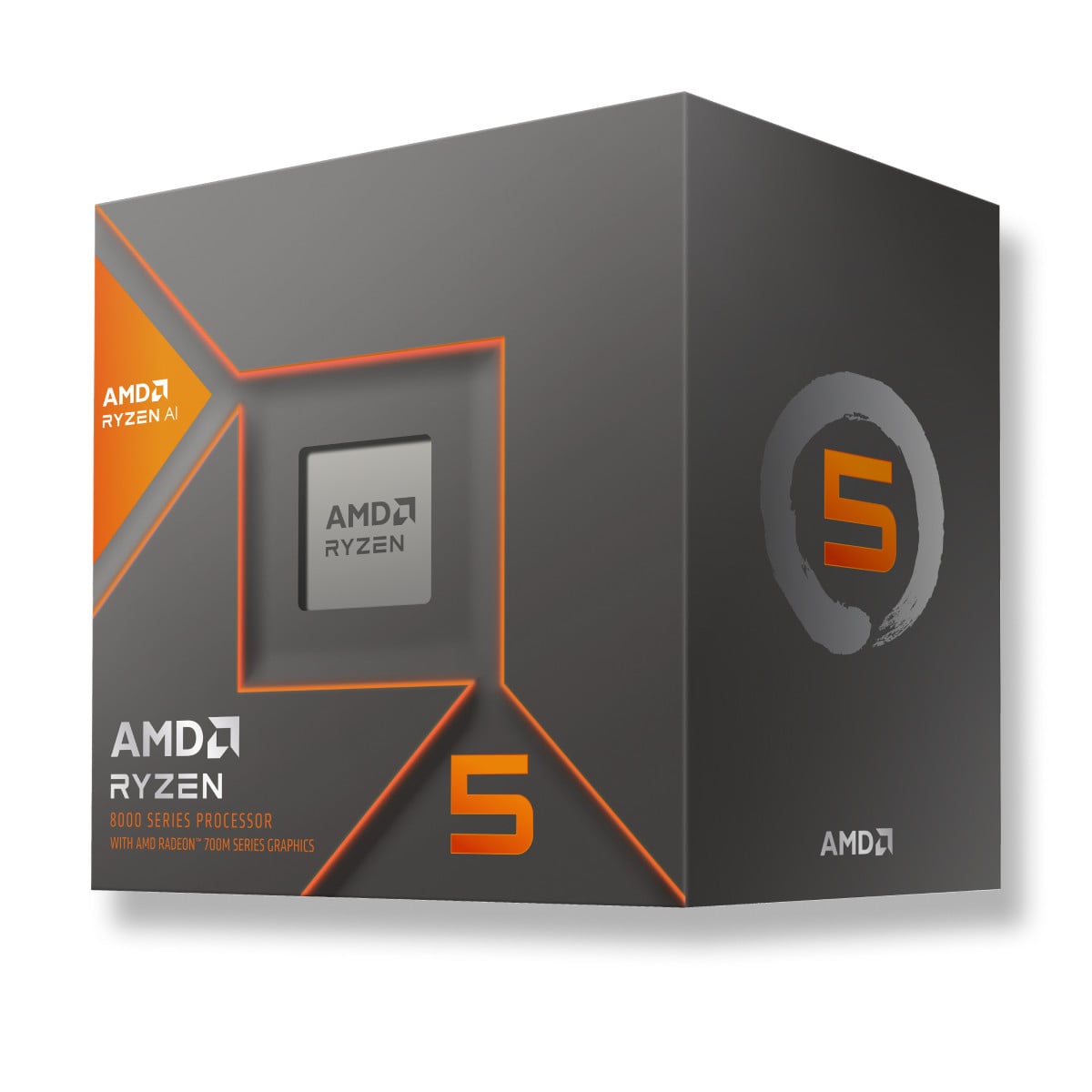
AMD Ryzen 5 8600G
The best gaming CPU without a graphics card.
Tech Specs
- SOCKET: AM5
- ARCH.: Zen 4
- CORES: 6
- THREADS: 12
- BASE: 4.3GHz
- BOOST: 5.0GHz
- GRAPHICS: Radeon 760M
Pros & Cons
- Can play games without a dedicated graphics card
- Radeon 760M integrated graphics
- Includes a Wraith Stealth CPU cooler
- Uses AMD’s newer AM5 platform
- Much slower than a system with a dedicated GPU
AMD Ryzen 5 8600G Overview
The Ryzen 5 8600G is the best option on this list for a gaming computer that will not initially include a dedicated graphics card.
It combines six Zen 4 CPU cores and 12 threads with AMD Radeon 760M integrated graphics. The integrated GPU is significantly more capable than the basic display graphics included with most desktop processors.
It can handle lighter games, esports titles, older releases, and many indie games at 1080P with reduced graphics settings. More demanding games may require lowering the resolution to 900P or 720P and using low-quality presets or upscaling.
The 8600G is not a substitute for a proper graphics card in a performance-oriented gaming computer. Even an affordable dedicated GPU will provide substantially more gaming performance.
However, it can be useful when you need a functional computer immediately but plan to add a graphics card later. It is also well suited for compact systems, living-room PCs, emulation machines, and low-power gaming setups.
Because it uses the AM5 socket and DDR5 memory, the system can be upgraded later. You could add a dedicated GPU, replace the processor with an X3D model, or do both without rebuilding the entire computer.
The processor also includes a Wraith Stealth cooler, helping reduce the initial cost of the system.
Which gaming CPU should you choose?
For most high-end gaming PCs, the Ryzen 7 9800X3D is the processor we would choose. It provides nearly the best gaming performance available without the higher cost of the 9850X3D or Ryzen 9 alternatives.
The Ryzen 7 9850X3D makes sense when you want every bit of gaming performance possible and the price difference between it and the 9800X3D is relatively small.
For a computer that will be used for both gaming and professional workloads, consider the Ryzen 9 9950X3D or Intel Core Ultra 7 270K Plus. The Ryzen 9 provides stronger gaming performance, while the Intel processor can offer excellent value in heavily threaded applications.
The Ryzen 5 7600X3D is our favorite value-oriented option, while the Ryzen 5 7600X is a less expensive route into the AM5 platform. Extremely budget-conscious builders can still use the Ryzen 5 5600, and the Ryzen 5 8600G is the best choice for a system that will not initially have a dedicated graphics card.
Frequently Asked Questions
What is the best CPU for gaming in 2026?
The AMD Ryzen 7 9800X3D is the best overall gaming CPU for most buyers. The Ryzen 7 9850X3D is slightly faster, but the performance difference is generally small enough that the 9800X3D offers better value when it is noticeably less expensive.
For mid-range systems, the Ryzen 5 7600X3D provides excellent gaming performance at a much lower price.
What is the fastest CPU for gaming?
AMD’s Ryzen 9 9950X3D2 Dual Edition, Ryzen 7 9850X3D, and Ryzen 7 9800X3D sit at the top of current gaming benchmark charts, although the exact order can vary by game, memory configuration, and test methodology.
The 9950X3D2 is an extremely expensive specialist processor, and the 9850X3D is only slightly faster than the 9800X3D. As a result, the 9800X3D remains the most sensible high-end gaming recommendation for most people.
Is AMD or Intel better for gaming?
AMD currently offers the strongest pure gaming processors. Its X3D CPUs provide excellent average framerates and 1% lows, particularly in games that benefit from additional cache.
Intel’s Core Ultra 7 270K Plus is still worth considering if you need strong productivity performance, Intel Quick Sync, or other Intel-specific features. At 1440P and 4K resolution, the gaming difference may also become relatively small because more of the workload shifts to the graphics card.
How many CPU cores do you need for gaming?
Six modern CPU cores are enough for the majority of gaming PCs. Processors such as the Ryzen 5 7600X, Ryzen 5 7600X3D, and Ryzen 5 9600X can handle modern games while leaving room in the budget for a stronger graphics card.
Eight cores provide more headroom for streaming, heavy multitasking, background applications, and future games. Processors with 12 or 16 cores are generally unnecessary for gaming alone, but they can be useful for rendering, editing, compiling, and other professional workloads.
Do you need an X3D processor for gaming?
You do not need an X3D processor to build a good gaming PC. Standard processors such as the Ryzen 5 7600X and Core Ultra 7 270K Plus can still deliver excellent performance.
X3D processors are most beneficial in games that are limited by CPU performance. They are particularly useful for competitive gaming at high refresh rates, strategy games, simulators, MMOs, and other processor-heavy titles.
The difference will usually be smaller when playing graphically demanding games at 4K resolution.
Does the CPU matter more at 1080P or 4K?
CPU performance generally matters more at 1080P, especially when using a powerful graphics card and targeting very high framerates.
At 1440P and 4K, the graphics card has to render substantially more pixels. This shifts more of the workload to the GPU and often reduces the performance difference between processors.
However, CPU-heavy games can still benefit from a faster processor regardless of resolution.
How much should you spend on a gaming CPU?
For a budget or mid-range gaming computer, spending approximately $150-$250 on the processor is usually reasonable. This range includes CPUs such as the Ryzen 5 7600X and Ryzen 5 7600X3D.
High-end gaming systems can justify spending approximately $350-$500 on a Ryzen 7 X3D processor. Spending significantly more generally only makes sense when the system will also be used for CPU-intensive professional work.
Your graphics card should usually receive a larger portion of the total gaming PC budget than your processor.
Can a CPU bottleneck a graphics card?
Yes. A CPU bottleneck occurs when the processor cannot prepare frames quickly enough to keep the graphics card fully utilized.
This is most common when using a high-end GPU at 1080P, playing a CPU-intensive game, targeting very high framerates, or pairing a new graphics card with a much older processor.
A graphics card that is not operating at full utilization does not automatically indicate a CPU bottleneck, though. Framerate limits, game engines, memory performance, power settings, and background software can also affect GPU usage.
Should AM4 owners upgrade or move to AM5?
The answer depends on the processor you currently have and the cost of the available upgrade.
A reasonably priced Ryzen 7 5700X3D can still provide a major improvement for an older AM4 system. However, remaining new inventory has become expensive and inconsistent.
When an AM4 upgrade costs nearly as much as an entry-level AM5 processor, motherboard, and memory combination, moving to AM5 is usually the better long-term decision.
Do gaming CPUs include a cooler?
Some do, but many performance-oriented processors do not.
The Ryzen 5 5600 and Ryzen 5 8600G include AMD Wraith Stealth coolers. Processors such as the Ryzen 7 9800X3D, Ryzen 7 9850X3D, Ryzen 9 9950X3D, Ryzen 5 7600X3D, and Ryzen 5 7600X require a separate CPU cooler.
Always check the product listing before completing your build.
Can you game with integrated graphics?
Yes, but expectations need to be realistic.
An APU such as the Ryzen 5 8600G can run esports titles, indie games, older games, and some modern releases without a dedicated graphics card. You will generally need to use lower graphics settings, reduced resolutions, or upscaling.
For demanding AAA games or high-refresh-rate gaming, a dedicated graphics card is still strongly recommended.
